

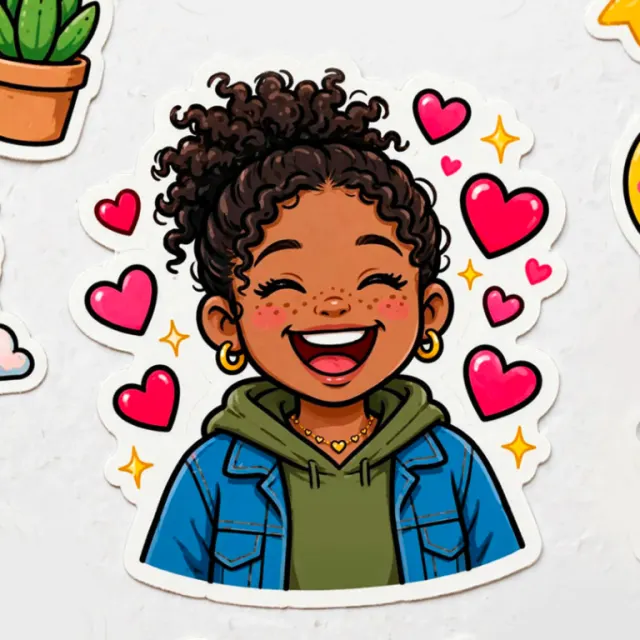
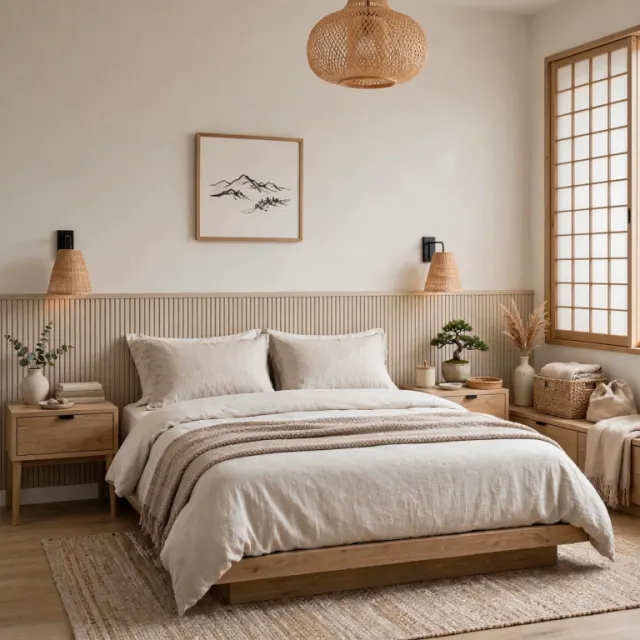
Text to image
One prompt becomes one picture. Leave the ratio on Auto for a square frame.
Muse AI Generator is an online AI creation platform that supports Meta's newly released Muse Image and Muse Video models. Write a prompt, add reference images and an aspect ratio, then generate images and 10-second videos.
Describe the image or clip you want. Upload references when the details matter, then preview and download the result.
Product overview
Muse AI Generator, also known as Muse AI Gen, is a browser-based creation platform that brings AI image generation, photo editing, reference composition, and short video generation together in one workspace. It supports both Muse Image and Muse Video.
The platform turns prompts, reference materials, aspect ratios, and fixed settings into clear generation tasks. You can preserve essential details such as identity, product shape, room structure, and brand style, then track progress, review results, and refine the same idea through follow-up generations.
From posters, ecommerce product visuals, and branded creative to social content and short clips of about 10 seconds with sound, Muse AI Generator keeps ideation, generation, preview, and download in one focused workflow.
Gallery
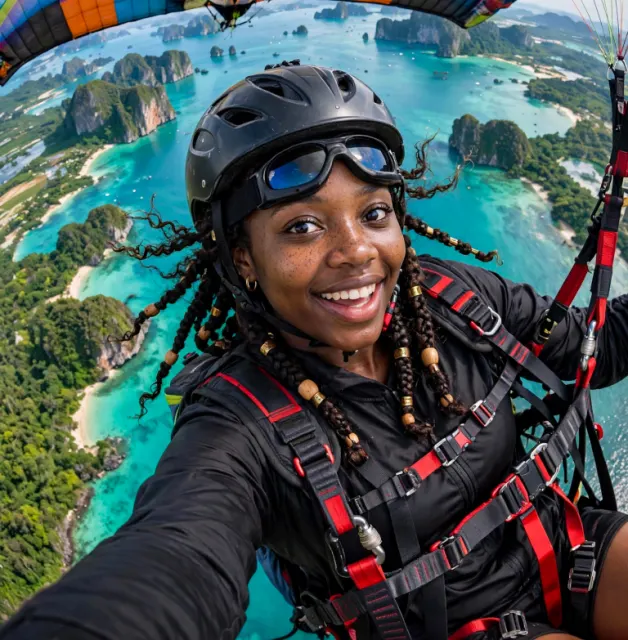
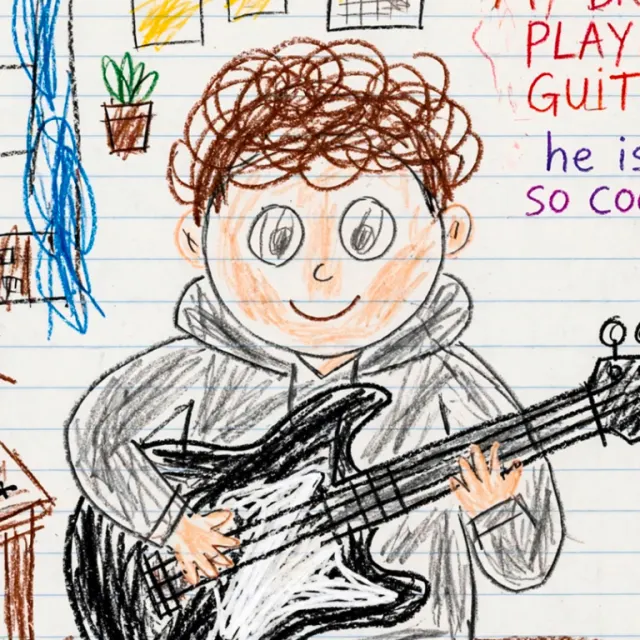
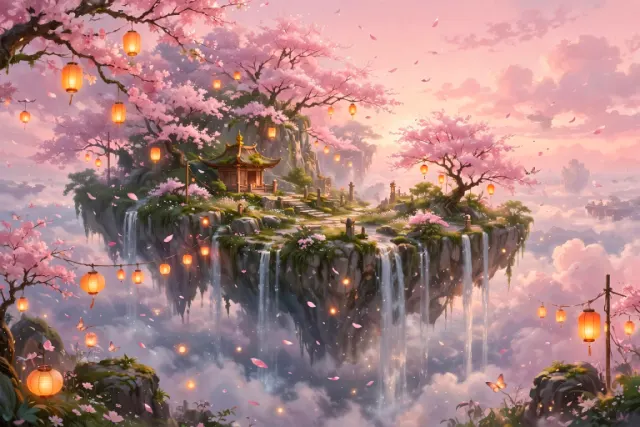
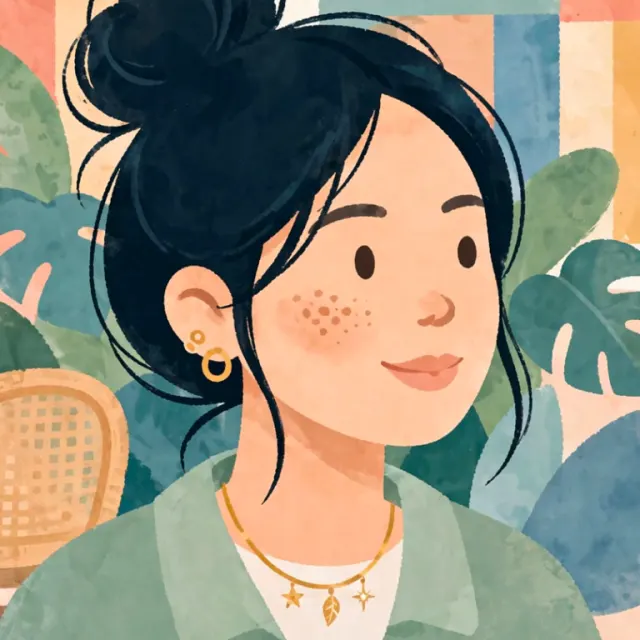
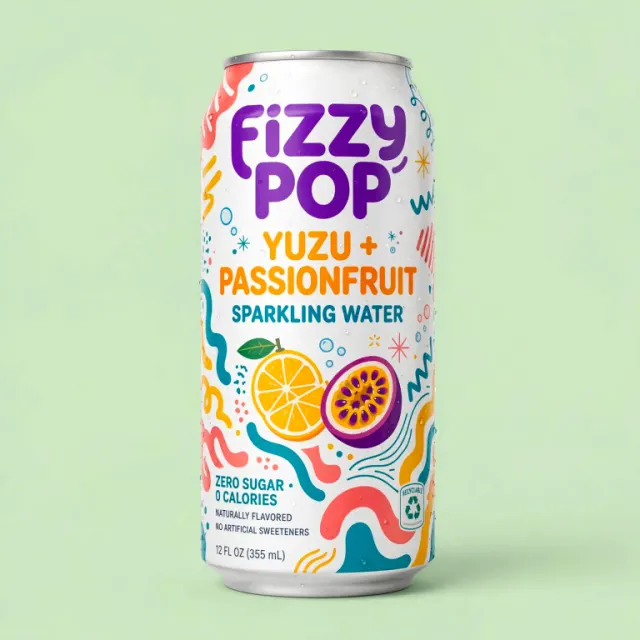
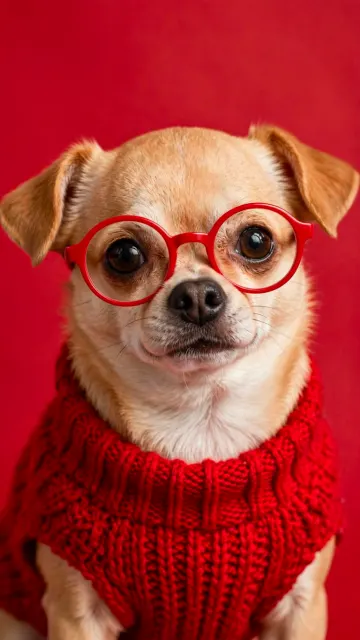
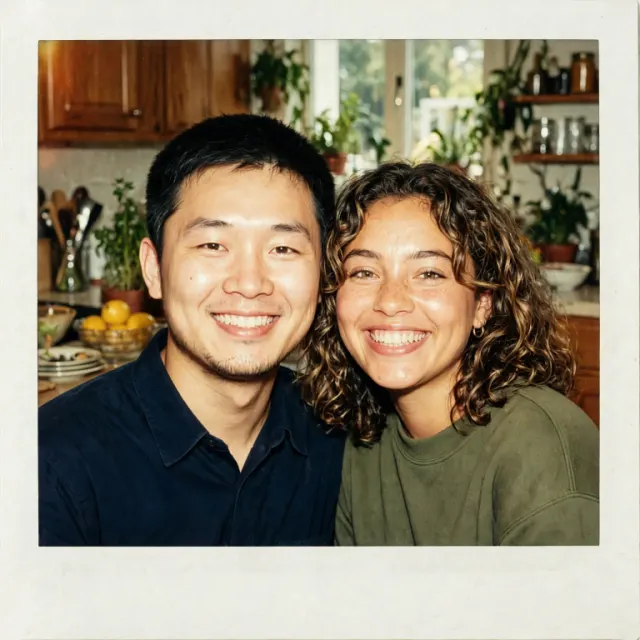
Open a sample to preview the result and copy its prompt.
Features
Muse AI Generator helps you define what to keep, what to change, and how references should guide the result.
One prompt becomes one picture. Leave the ratio on Auto for a square frame.
The same prompt style makes a clip of about 10 seconds at 720p, with sound.
Upload up to nine images. Say what must stay: color, product shape, or a face.
Choose 1:1, 16:9, 9:16, 4:3, 3:4, 3:2, or 2:3. Auto follows the references.
Describe subject, setting, light, and framing. Muse follows a specific brief closely.
References and finished files are stored for your account. Download them any time.
Buy a credit pack when you need it. Failed generations return the credits.
Make a still, then send it to video as a reference and set the scene in motion.
How it works
Muse AI Generator brings the brief, references, generation, and download together in one three-step workspace.
Name the subject, the setting, the light, and the framing. For video, name the action and the sound.
Optional. Use them for a product, a room, a person, or a style, and say what must not change.
We store the references, run the task, and keep the finished image or clip in your account.
Why Muse AI Generator
Muse AI Generator keeps inputs, constraints, and results in one flow, so every generation is easier to steer and refine.
Change the parts you name and keep the rest of the picture.
Use the prompt to guide identity, scene, style, and framing.
Up to nine images for a subject, product, room, or style.
Make an image, then send it into a 10-second clip.
FAQ
Learn what Muse AI Generator can create, how Muse Image and Muse Video work, and what to expect from your generations.
Muse Image and Muse Video are the first high-quality image and video models released by Meta's SI Labs. They are well suited to posters, product visuals, and creative brand-style images and videos. Muse AI Generator supports both models: Muse Image handles text-to-image, reference composition, and image editing, while Muse Video creates short clips of about 10 seconds with sound and supports ratio controls, references, task progress, and creation management.
Muse AI Generator, also branded Muse AI Gen, is a browser workspace for creating and refining images and short videos. It combines prompts, reference images, results, recent tasks, and downloads in one place.
Choose Muse Image or Muse Video, write a prompt, optionally add reference images, select a ratio, and generate. Muse AI Generator stores the task and shows its progress and result in the workspace.
Yes. You can add up to nine PNG, JPEG, or WebP references and describe what should be preserved or changed.
Muse Video creates clips of about 10 seconds at 720p with sound. Text-only videos default to 16:9; reference videos follow the references unless you choose a ratio.
Muse AI Generator supports 1:1, 16:9, 9:16, 4:3, 3:4, 3:2, and 2:3. Auto follows the reference image or the model's default framing.
Yes. You can submit another image or video task while earlier tasks are running, as long as your account has enough credits. Every task appears in Muse AI Generator's creations and recent tasks.
No. If a generation fails, the credits for that task are returned to your balance.
No. Muse AI Generator uses one-time credit packs instead of a subscription. Credits stay on your account until you use them.
Completed images and videos appear in the creations panel and Recent tasks. You can preview and download them there, and they remain attached to your Muse AI Generator account.
Name the subject, setting, lighting, composition, and details that must stay unchanged. For video, also describe motion, camera movement, and sound. When editing, point to the reference and state the exact change.
Yes. Muse AI Generator offers Chinese and English interfaces, and you can write prompts in Chinese or English.
Still have questions? Contact us at [email protected].